This step should only need to be completed if the pits are not in the same room as the field.
Conduct a connection test with a tablet in the pit area before setting up the mesh AP. The mesh AP should default to not being used unless there are connection issues.
Supplies needed: Speaker tripod, mesh AP, Ethernet cable, PoE injector, screwdriver.
-
Retrieve a speaker tripod (with large, thick center pole) from the AV case. Preferably, do not use one of the two in the bag labeled “Ultimate Support” as those are the most popular to use for the Chesapeake speakers.
-
Retrieve the mesh AP and PoE injector from the bottommost drawer of the Production Drawers. Make sure you grab the mounting plate for the AP, which contains two hose clamps on it.
-
Retrieve a screwdriver that fits the hose clamp.
-
Place the tripod in the area of the pits that is as close to the field area as possible as the crow flies. This will give the best chances of good uplink strength.
-
Attach the mounting plate to the tripod pole, tightening the hose clamps to secure.
-
Attach Ethernet cable to the AP, routing the cable through the rubber grommet in the mounting plate.
-
Slide the AP onto the mounting plate, making sure it clicks in securely.
-
Rotate tripod pole so that the front side of the AP (with “U” logo on it) is pointed towards the pits.
-
Connect the other side of the Ethernet cable to the PoE injector, in the port marked with a lightning bolt.
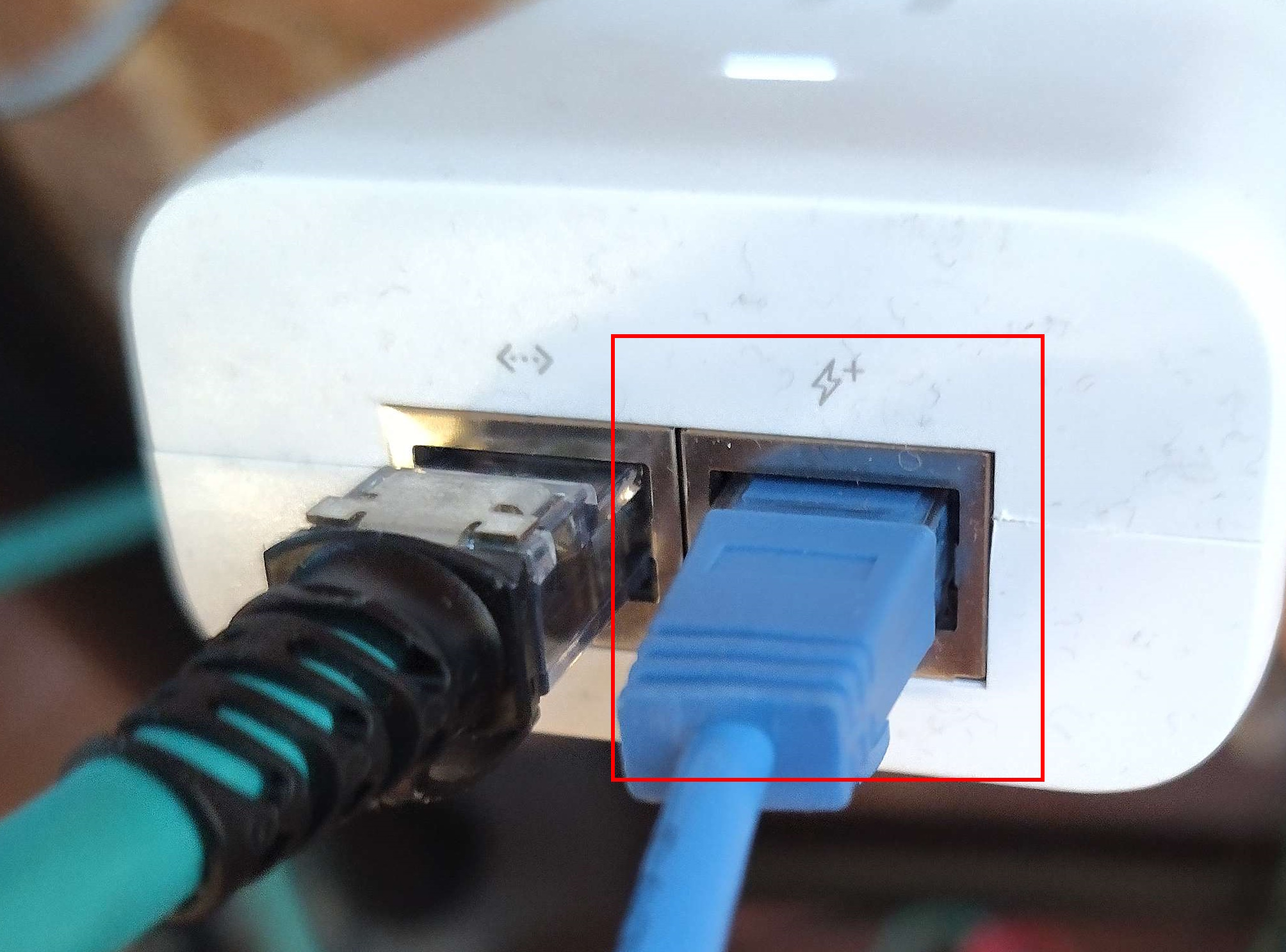
Note: The other port provides a backfed wired LAN connection. For FRC, there should be little or no reason to require the usage of this port. You can leave this port empty and it will not affect the usage of the AP. -
Connect the PoE injector to power. You should see the light on the front of the AP turn on and begin to blink white.
-
Wait 5 minutes for the AP to boot. Verify that the LED turns solid blue. If it does not, the AP may be too far away from the field to connect successfully. Try moving the AP closer to the field and powering up again.
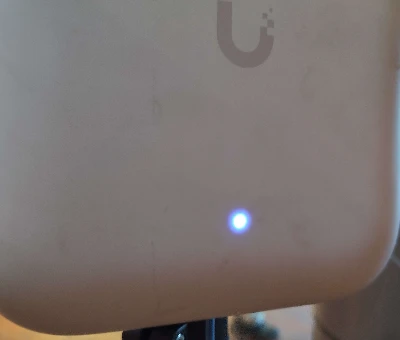
When the AP establishes a connection to the field, a series of four LEDs on the side lights to show the signal strength.
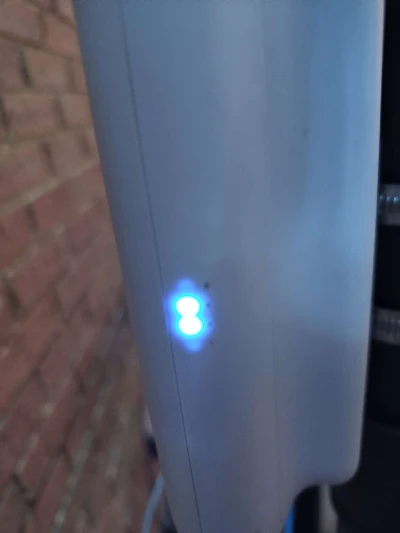
Note: It appears that there may be a firmware bug that causes the lights to illuminate in the opposite order to what the legend on the plastic shows.
Positioning the Mesh AP
Though the ideal situation, the mesh AP does not have to be in the same room as the pits, as its directional antenna should be able to punch through at least one set of walls. If the mesh AP cannot connect to the field AP when in the pit area, try placing it in the field area as close to the pits as possible instead, with the front of the AP facing the wall towards the pits. The AP should be able to maintain steady connection in this state, and should still provide decent 2.4GHz coverage to the pits.