Supplies needed: 2x Combination SDI/Power cable, 2x camera (1 Red & 1 Blue), 2x tripod, 2x camera power cable, gaff tape.
This stage requires that the field border be finished to fully complete. If it is not finished as you carry out these steps, revisit the positioning of the cameras once field borders are finished.
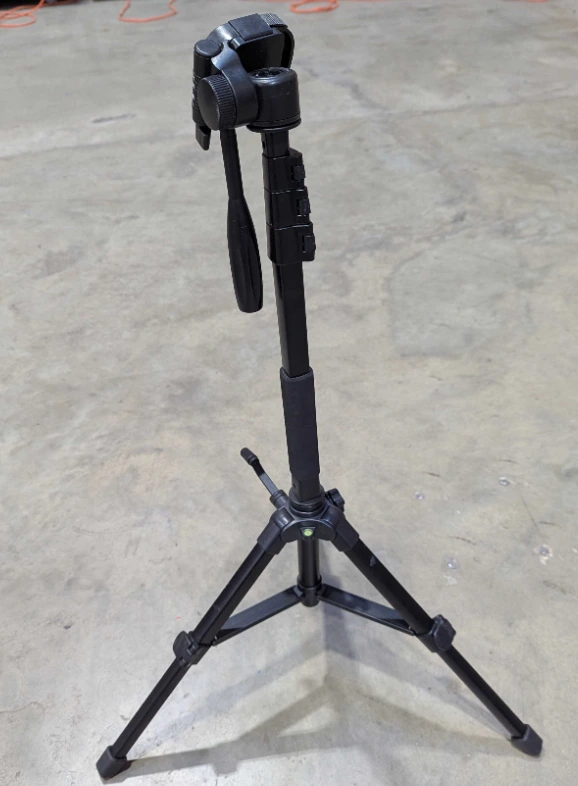
- Retrieve two tripods from the AV Case. Because of their small size, the tripods may also be located in one of the AV totes.
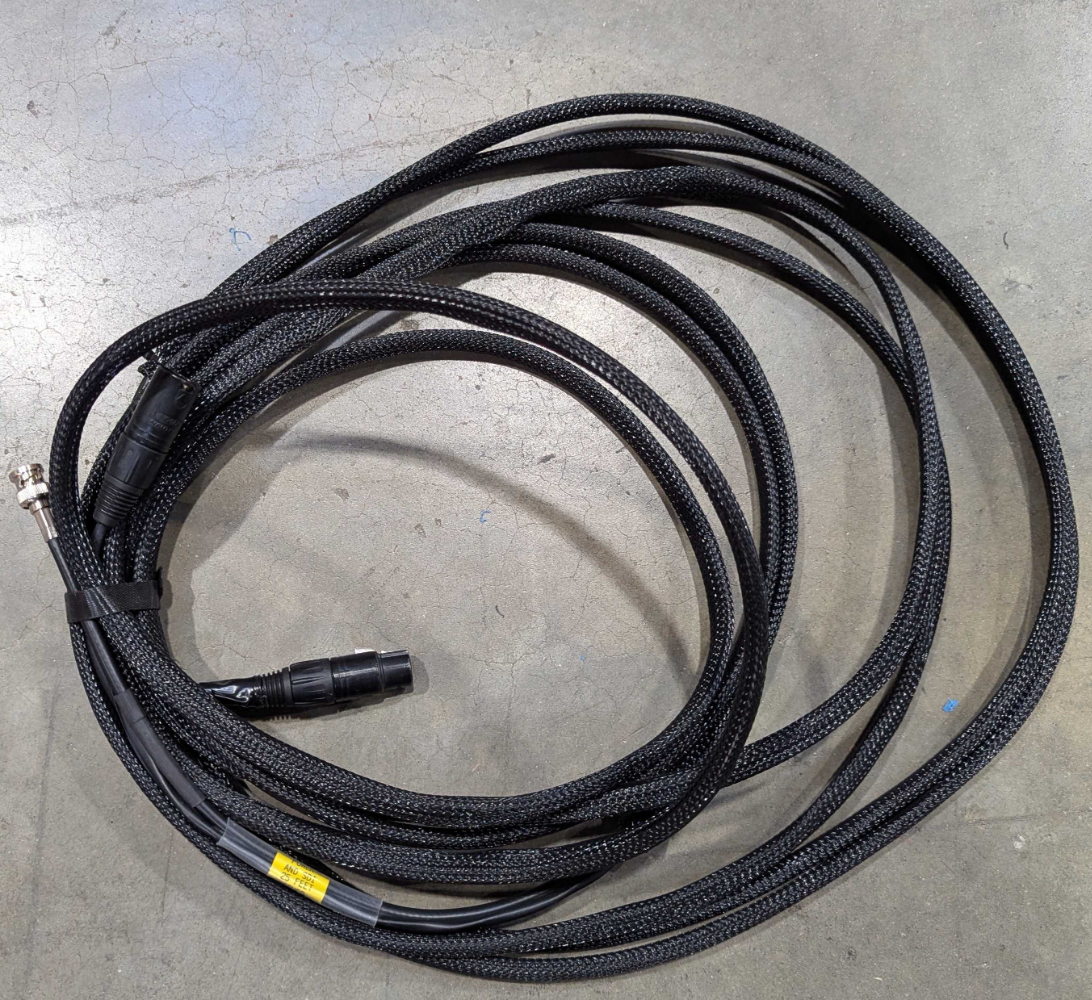
- Retrieve two combination SDI/Power cables. These cables have braided sleeves on the outside.
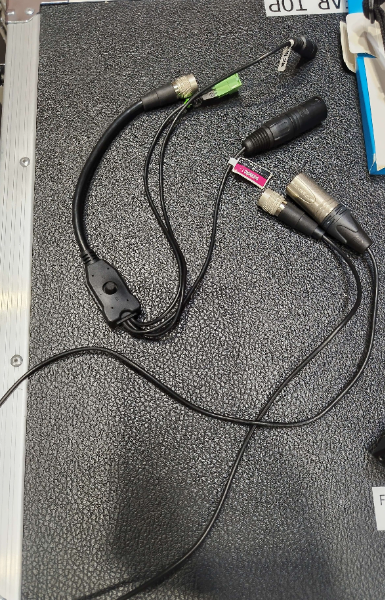
- Retrieve two camera power cables. There are two types of camera power cables in use, as pictured below. You can use either one.
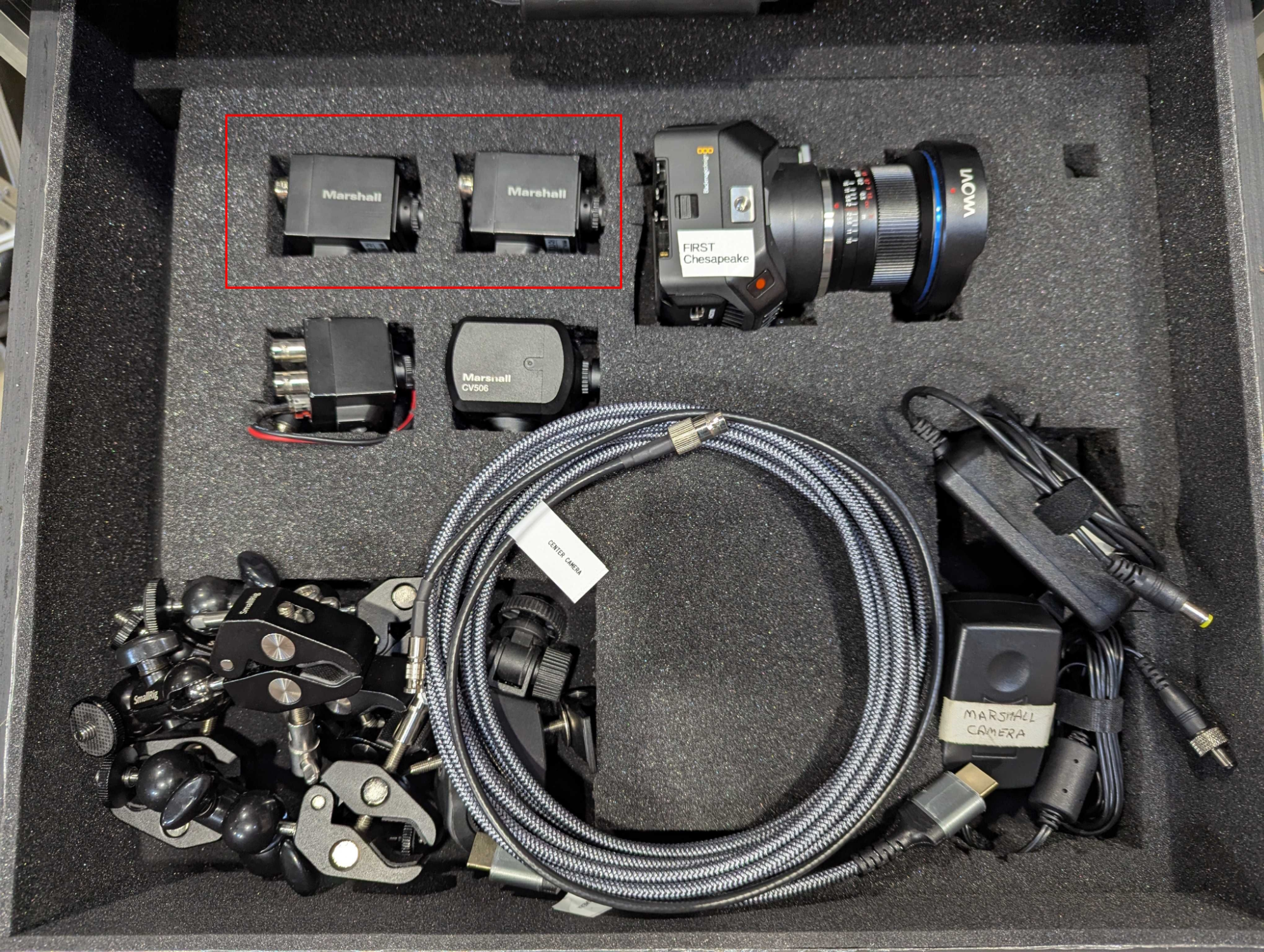
- Retrieve the two alliance cameras from the Production Drawers’s Camera drawer.
- Determine where the alliance cameras are going to be placed. The specifications vary from year to year, so check with the Equipment Manager on where the cameras should go.
- Run one cable to each location, placing cables out of walkways or using cable ramps where crossing a walkway is required.
Camera Power Cable Polarity
The camera power cables are unidirectional. The side of the cable with the plastic protruding from the metal housing goes “out” from the Streaming Unit, i.e., towards the camera. The side of the cable with metal pins recessed inside the metal shell goes “in” to the Streaming Unit, i.e., towards the streaming unit. When running the cable, make sure to run with the correct side going in the intended direction.
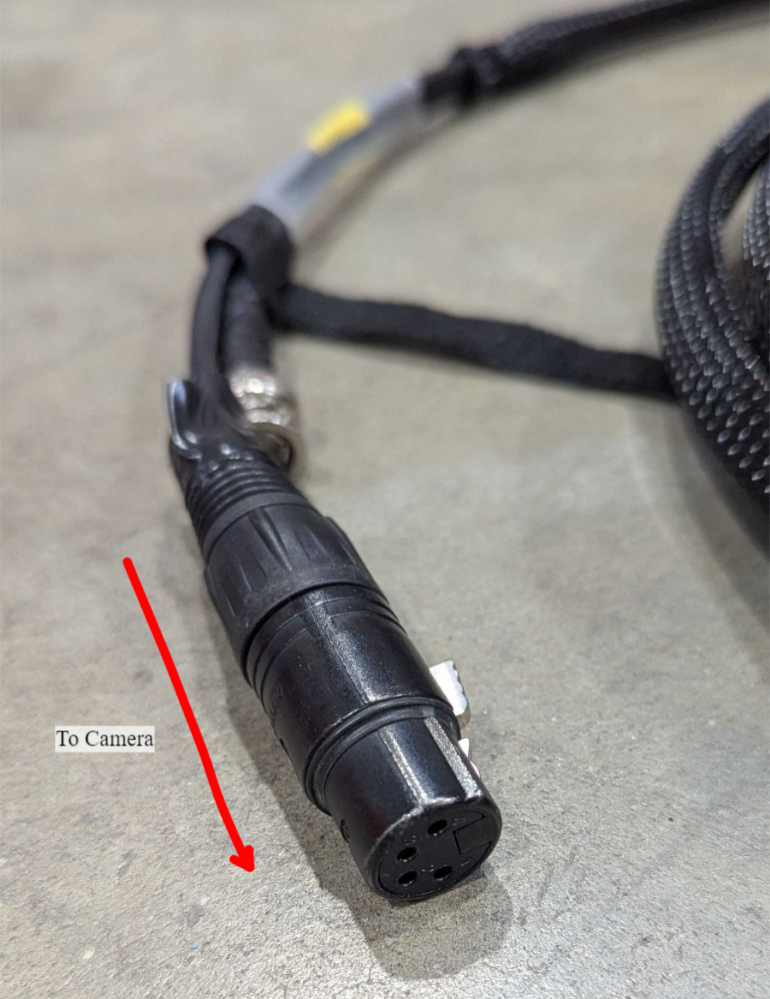
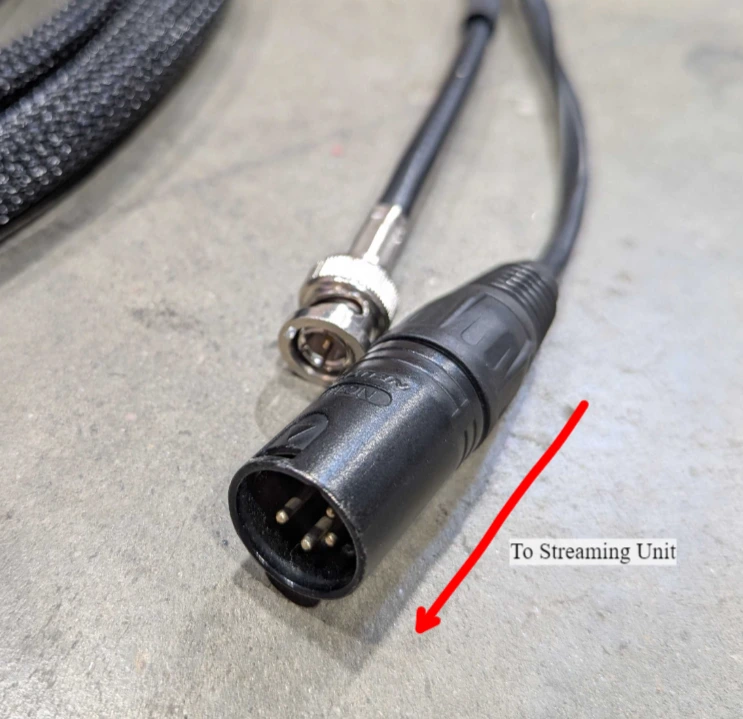
-
Place the cameras on the tripods and raise them if necessary.
-
Connect the four-pin camera power connectors together.
-
Connect the SDI cable to the SDI output on the camera.
-
Connect the circular power connector to the camera.
Fragile Connectors!
The camera’s circular power connector will only go on in one position. Apply light force only and rotate the power connector until it attaches in the correct position. Applying too much force may bend the pins on the camera. If in doubt, ask the Equipment Manager for assistance.
-
Use the gaff tape to tape the cables to the tripod, leaving a little slack to avoid tugging on the camera.
-
Plug the other end of the cables into the panel on the back of the Streaming Unit.
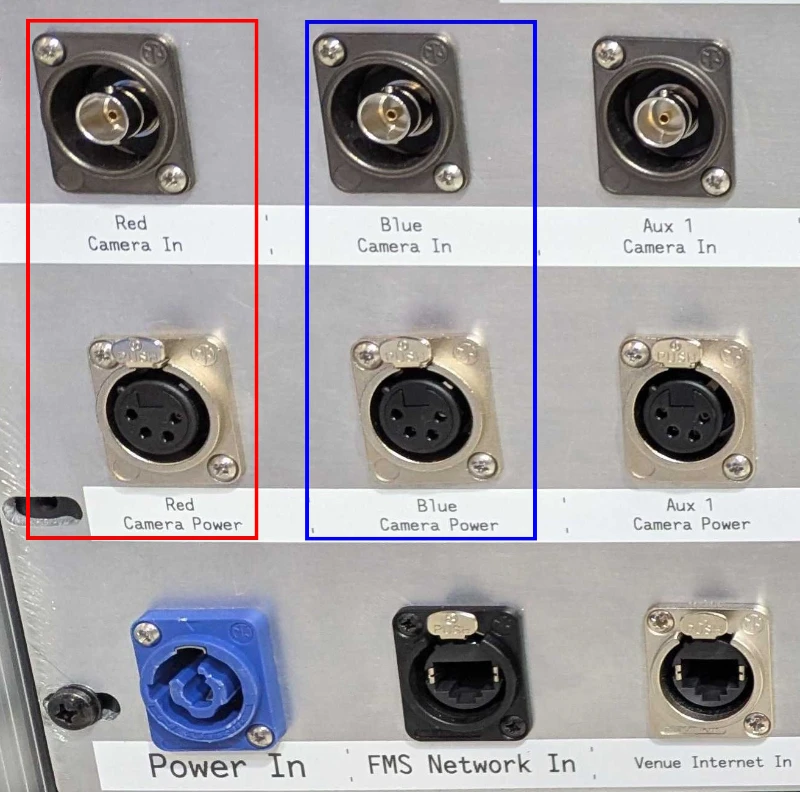
-
Verify focus and positioning of cameras on the Streaming Unit by checking the scenes and images on the iPad with OBS Blade . Adjust if necessary. Focus is adjusted by rotating the outer ring of the lens, after loosening the small set screw (if necessary).
Stage 3b is complete. Proceed to stage 3c.