Supplies needed: AV laptop, headphone cable (1/8” or 3.5mm).
- Retrieve the AV laptop from the Audio AV tote.
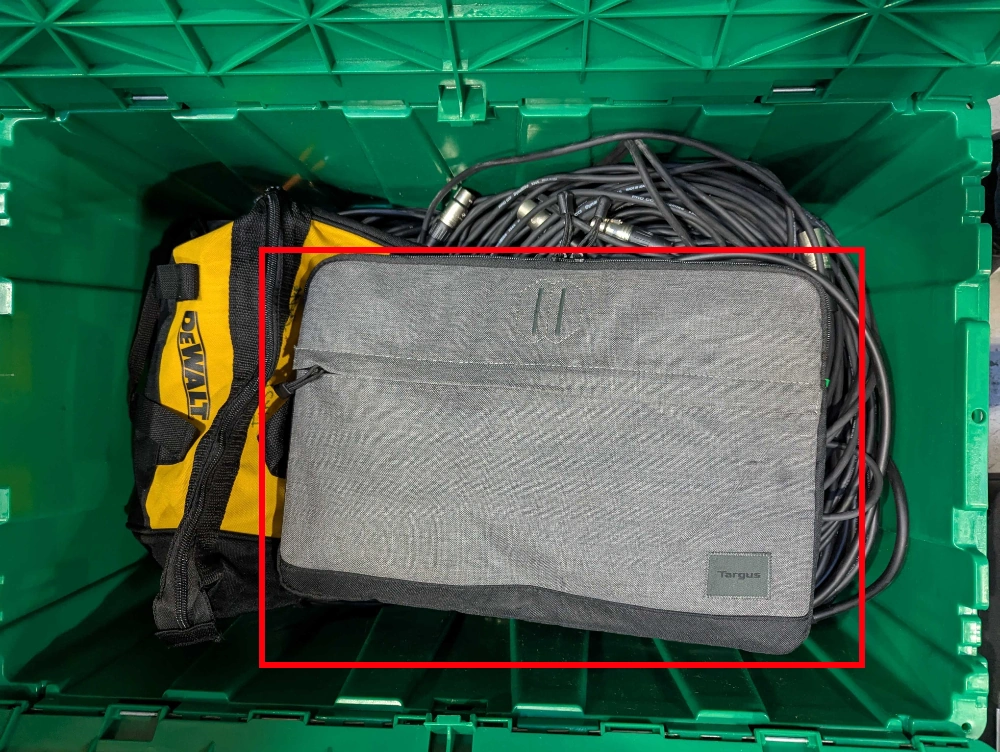
- Retrieve a headphone cable from the top drawer of the Production Drawers. The cable may also be packed in the bag with the laptop.
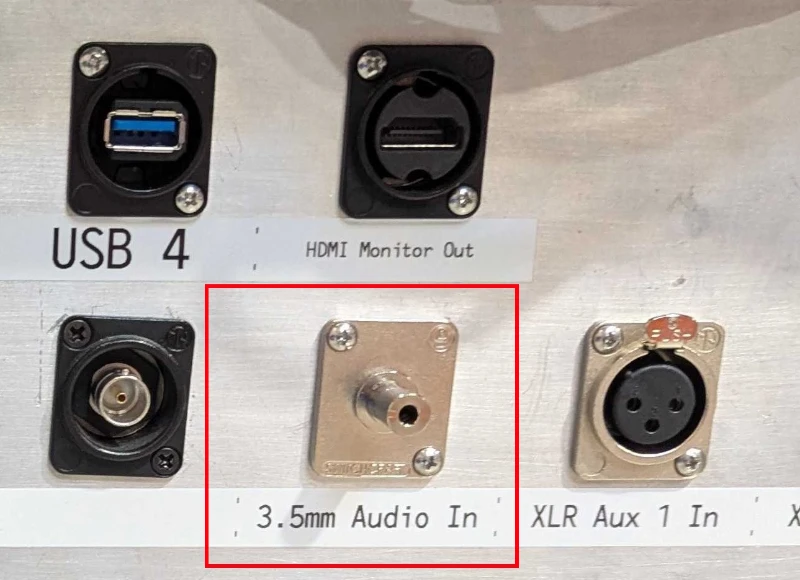
- Connect the headphone output of the laptop to the “3.5mm Audio In” jack on the Streaming Unit.
- Launch music playback program. If it prompts for a login, please consult with the Equipment Manager for the account credentials.
Stage 2g is complete. Proceed to stage 2h.